01
Use your Vantrel URL
Connect with the endpoint URL provided to you. There is no region or hostname to choose.
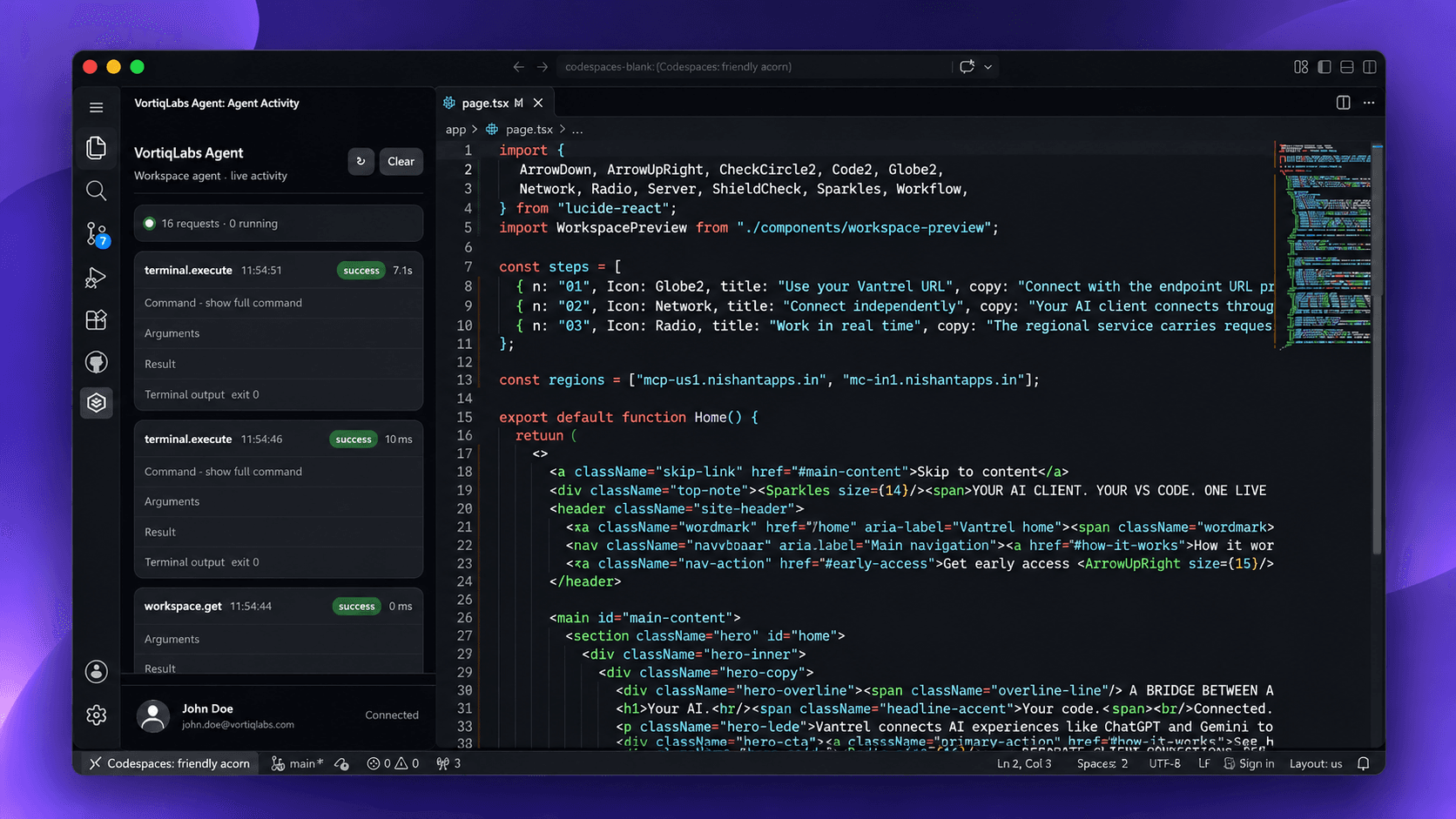
Vantrel connects AI experiences like ChatGPT and Gemini to Visual Studio Code through a regional MCP endpoint and a dedicated VS Code extension.
Vantrel is the connection layer that lets supported AI clients work with your VS Code environment. Instead of asking you to move your work into another editor, it links the AI client you use with the editor where your project lives.
The client and extension connect independently to a regional Vantrel endpoint. The extension receives work and live updates through that connection.
Explore the architectureVantrel is a VS Code extension. It provides the editor-side connection so an AI client can request work against your project while you stay in your familiar development environment.
Both sides connect to the regional URL independently. The endpoint is the meeting point—not a browser plugin or a direct browser-to-editor connection.
Connect with the endpoint URL provided to you. There is no region or hostname to choose.
Your AI client connects through MCP. The VS Code extension establishes its own connection to that regional endpoint.
The regional service carries requests and live updates between the connected client and your editor.
Requests travel through the regional service; the extension maintains its own connection for real-time communication.
Use the Vantrel endpoint URL you receive. You do not need to select a region; both your AI client and VS Code extension use that same URL.
Vantrel provides the endpoint URL for your connection. Just use the URL you receive.
Your AI client and VS Code extension each connect to the regional service.
A persistent connection keeps editor-side communication responsive.
Work against your project from the editor you already use.
mcp-us1.nishantapps.inmc-in1.nishantapps.inThese are examples of Vantrel endpoint hostnames, not a region picker. Use the exact URL provided for your connection.
AI should fit into the way you work. Vantrel is being built to connect the AI interface you prefer with the editor and codebase you already trust.
Use supported AI clients that can connect to Vantrel through MCP. Vantrel is the bridge, not another AI chat interface.
The VS Code extension connects to the regional endpoint independently and brings the work into your development environment.
Persistent communication helps keep the AI client and editor-side extension in sync as work happens.
Vantrel is in development. Register with OneAuth to join the preview list and stay connected as early access opens.
Register for previewVANTREL — AN INDEPENDENT PRODUCT BY VORTIQLABS